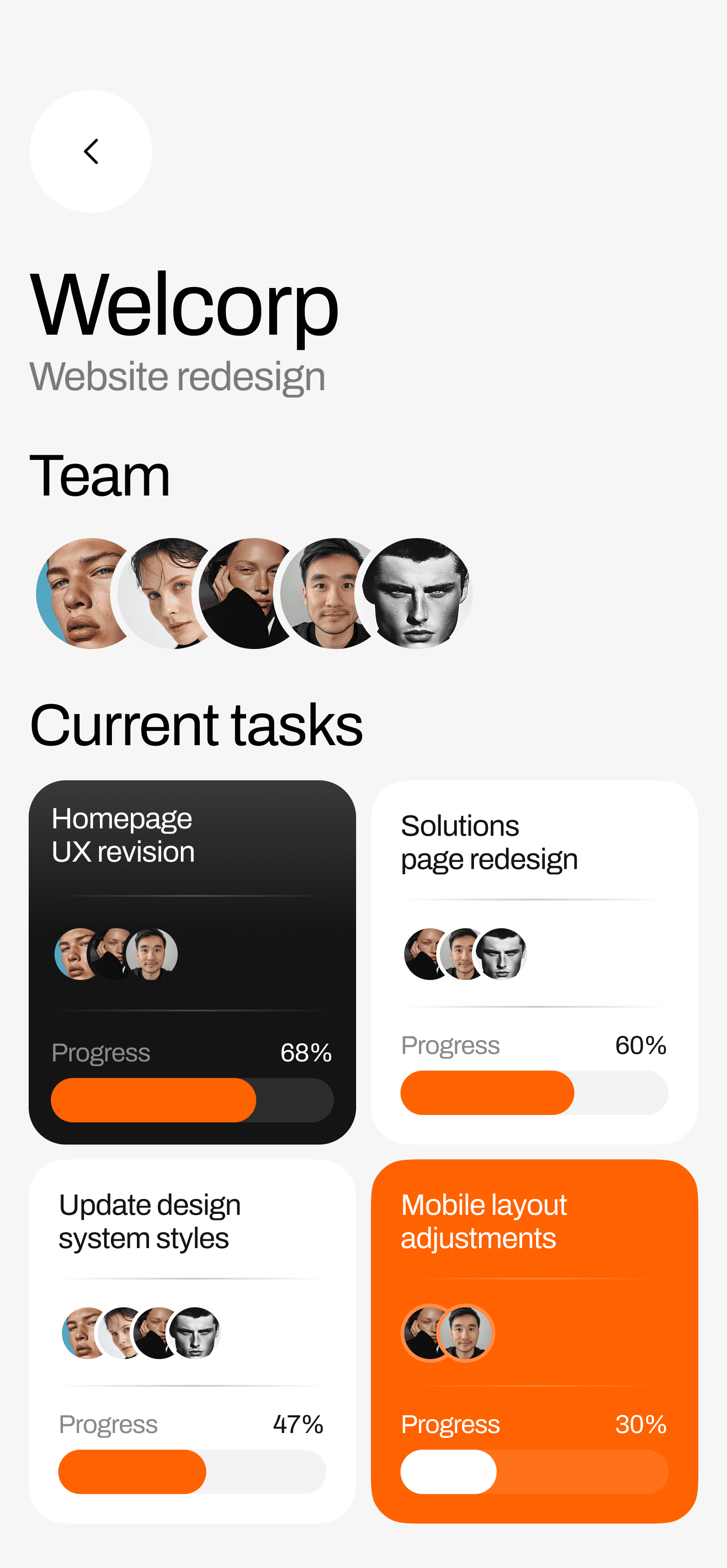
Client workspace

Where Client Work Feels Clear

Bring projects, communication, and approvals together in a workspace clients can easily follow

A person sitting cross-legged on a couch, working on a laptop in a cozy living room setting.
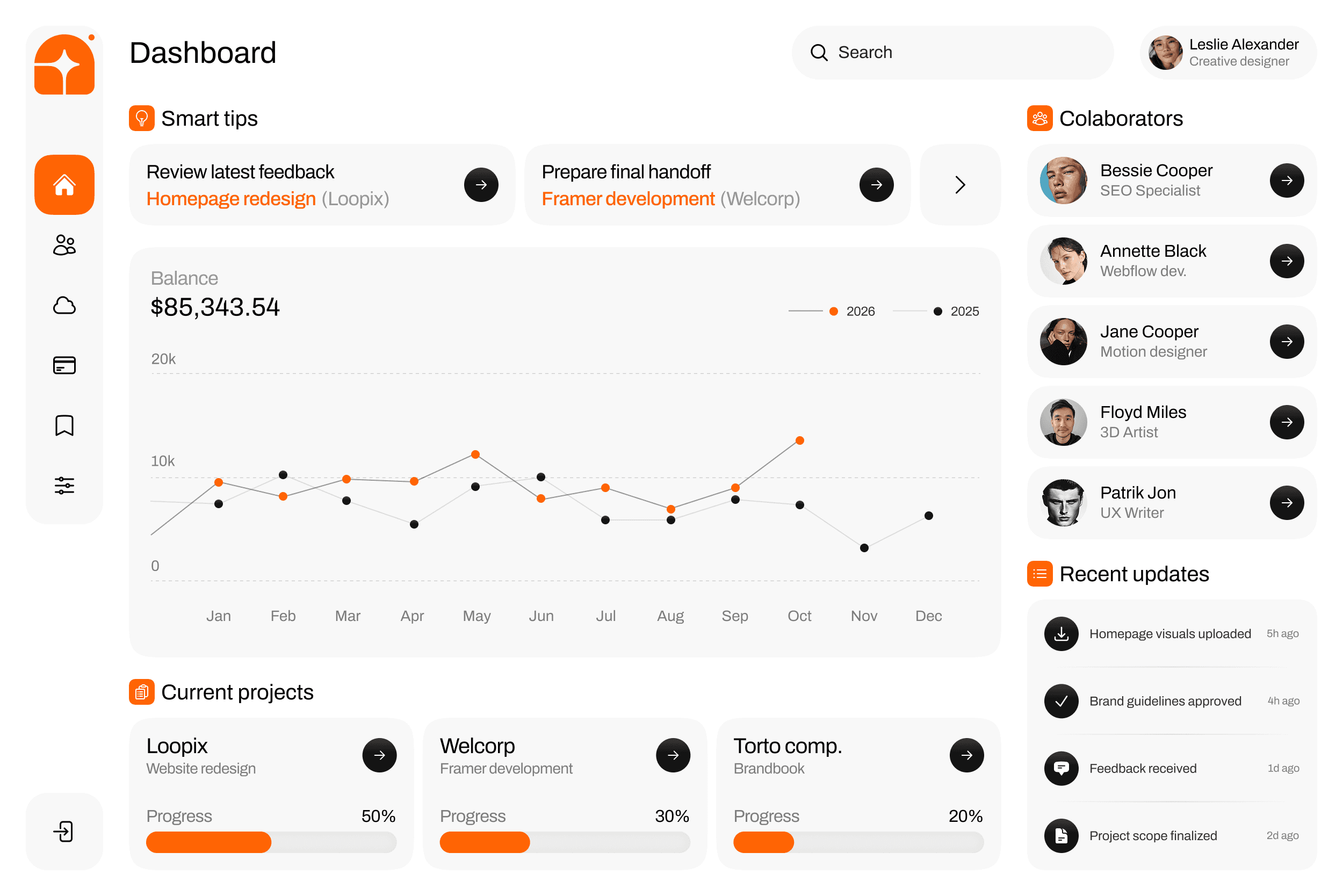
dashboard image with graph and activity indicators

Trusted by leading companies

Who it's for

Works Your Way

Flowbi adapts to different workflows — whether you work solo, in a team, or manage multiple clients


  • A modern office space with four people working at desks surrounded by plants and large windows.
  • A young woman sits at a desk with two laptops, looking contemplative in a dimly lit room.
  • A woman sitting at a desk, working on a computer, surrounded by plants and various office items.
  • A person sits at a desk, working on a computer with sunlight streaming through a window.
  • A person is typing on a laptop while sitting on a couch, with sunlight casting shadows.
  • A person wearing an orange hat works at a desk with multiple computer monitors in a modern office setting.
  • Person working at a desk with a computer, surrounded by plants and an office setting, engaged in collaboration.
  • Three women smiling and collaborating around a laptop at a table in a bright office, with plants in the background.

Core features

Built for effortless client visibility

Structured tools that give clients a clear, real-time understanding of progress — without constant check-ins

(01)

(01)

Organized client workspaces

Organized client workspaces

Branded, well-structured portals where clients can track projects, files, and updates in one streamlined view

Branded, well-structured portals where clients can track projects, files, and updates in one streamlined view

  • Projects and files in one place

  • Clear progress visibility

  • Simple file sharing and feedback

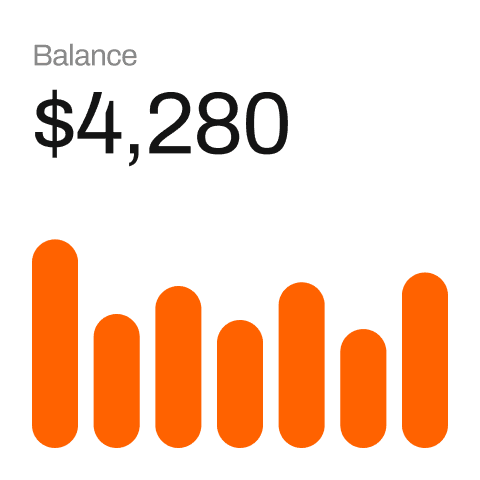
Project budget

Spent:

$5,280

0

Payments

Yesterday

$1,500

Dec 20, 2025

$1,500

Dec 7, 2025

$4,600

(02)

(02)

Clear updates, zero chasing

Clear updates, zero chasing

Clients see progress as it happens. Changes stay organized, visible, and tied to the right project

Clients see progress as it happens. Changes stay organized, visible, and tied to the right project

  • Real-time project updates

  • Visible changes and activity

  • Feedback and approvals in one place

Project budget

Spent:

$5,280

0

Payments

Yesterday

$1,500

Dec 20, 2025

$1,500

Dec 7, 2025

$4,600

(02)

Clear updates, zero chasing

Clients see progress as it happens. Changes stay organized, visible, and tied to the right project

  • Real-time project updates

  • Visible changes and activity

  • Feedback and approvals in one place

Bessie Cooper

Bessie Cooper

SEO Specialist

Anneta Black

Anneta Black

Webflow dev

Floyd Miles

Floyd Miles

3D Artist

(03)

(03)

Clear roles. Shared progress

Clear roles. Shared progress

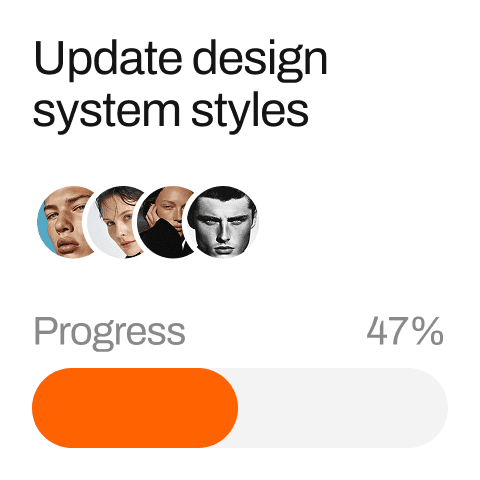
Track contributors, responsibilities, and updates without switching tools

Track contributors, responsibilities, and updates without switching tools

  • Clear roles for every contributor

  • Shared project progress for the team

  • Assigned responsibilities and tasks

Bessie Cooper

Bessie Cooper

SEO Specialist

Anneta Black

Anneta Black

Webflow dev

Floyd Miles

Floyd Miles

3D Artist

(03)

Clear roles. Shared progress

Track contributors, responsibilities, and updates without switching tools

  • Clear roles for every contributor

  • Shared project progress for the team

  • Assigned responsibilities and tasks

Real Impact on Client Work

Real Impact on Client Work

Teams use structured client workspaces to stay aligned, reduce back-and-forth, and move projects forward faster

Teams use structured client workspaces to stay aligned, reduce back-and-forth, and move projects forward faster

0

faster time to first deliverable

faster time to first deliverable

0

better payment visibility

better payment visibility

0

fewer repeated client questions

fewer repeated client questions

0

less admin work

less admin work

0

faster time to first deliverable

0

better payment visibility

0

fewer repeated client questions

0

less admin work

Tools

Manage Client Work Easily

Manage Client Work Easily

A structured set of tools to manage projects, updates, communication, and approvals — all in one place

A structured set of tools to manage projects, updates, communication, and approvals — all in one place

Two young men are sitting at a table, working on laptops in a modern, well-lit office space.

Project Tracking

Project Tracking

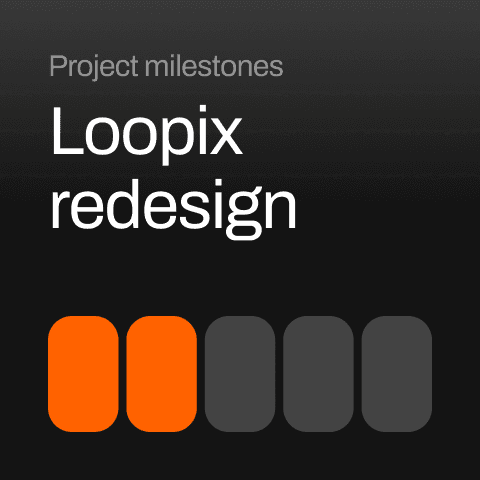
Track progress and milestones in real time. Keep work clear and organized

Track progress and milestones in real time. Keep work clear and organized

Client Connect

Client Connect

Keep conversations tied to each project. No scattered messages or lost context

Keep conversations tied to each project. No scattered messages or lost context

File Sharing

File Sharing

Share files and deliverables with ease. Everything stays organized

Share files and deliverables with ease. Everything stays organized

Approvals Flow

Approvals Flow

Collect feedback and approvals faster. Keep projects moving without delays

Collect feedback and approvals faster. Keep projects moving without delays

Mobile ready

Your projects. In your hands

Real-time updates and approvals — designed for speed, clarity, and life outside the office

mobile app screen

How it works

3 steps to organized client work

(01)

workspace

Create a structured client space for projects, files, and communication. Invite clients and start organizing your work in one place

(02)

management

Track progress, share files, and keep all updates connected to the right project. Everything stays visible and easy to follow

(03)

Collaborating

Collect feedback, approvals, and finalize deliverables without delays. Keep clients aligned and projects moving forward

Seamless Integrations

Loved by clients

Built to make collaboration effortless

From onboarding to approvals, everything flows in a structure that keeps your projects moving without friction


Clear structure, better alignment, fewer delays. Flowbi streamlined our entire collaboration process.

Maya Thompson

No-code developer

Everything lives in one place now — updates, files, approvals. It changed how we work with clients.

Ethan Brooks

Creative Designer

Flowbi made progress transparent. We’ve reduced status meetings and improved delivery speed.

Olivia Grant

Operations Lead

Flowbi gave us a single source of truth for every client. No more scattered threads or lost files.

Emma Lawson

Director of Client Services

Clear structure, better alignment, fewer delays. Flowbi streamlined our entire collaboration process.

Maya Thompson

No-code developer

Everything lives in one place now — updates, files, approvals. It changed how we work with clients.

Ethan Brooks

Creative Designer

Flowbi made progress transparent. We’ve reduced status meetings and improved delivery speed.

Olivia Grant

Operations Lead

Flowbi gave us a single source of truth for every client. No more scattered threads or lost files.

Emma Lawson

Director of Client Services

Clear structure, better alignment, fewer delays. Flowbi streamlined our entire collaboration process.

Maya Thompson

No-code developer

Everything lives in one place now — updates, files, approvals. It changed how we work with clients.

Ethan Brooks

Creative Designer

Flowbi made progress transparent. We’ve reduced status meetings and improved delivery speed.

Olivia Grant

Operations Lead

Flowbi gave us a single source of truth for every client. No more scattered threads or lost files.

Emma Lawson

Director of Client Services

Сomparison

Why teams choose Flowbi over other tools

Most tools aren’t built for client collaboration. Flowbi brings everything into one structured workspace

Capabilities

Client-ready workspaces

Real-time project visibility

Structured client communication

File sharing with context

Built-in approvals

Clear roles and ownership

Designed for client collaboration

Spreadsheets

Project tools

Flowbi

Pricing

Plans that adapt to your pace

Whether you’re just starting or scaling fast, there’s a fit for you

Monthly

Yearly

Freelancer

$29

per month

Features

5 client portals

Unlimited projects

File storage

Chat

Team

$59

per month

Features

Everything in Freelancer

Document signing

Timeline tools

Custom branding

Agency

$149

per month

Features

Everything in Team

AI Client Assistant

Advanced permissions

Priority support

Monthly

Yearly

Freelancer

$29

per month

Features

5 client portals

Unlimited projects

File storage

Chat

Team

$59

per month

Features

Everything in Freelancer

Document signing

Timeline tools

Custom branding

Agency

$149

per month

Features

Everything in Team

AI Client Assistant

Advanced permissions

Priority support

Monthly

Yearly

Freelancer

$29

per month

Features

5 client portals

Unlimited projects

File storage

Chat

Team

$59

per month

Features

Everything in Freelancer

Document signing

Timeline tools

Custom branding

Agency

$149

per month

Features

Everything in Team

AI Client Assistant

Advanced permissions

Priority support

FAQ

What is Flowbi?

Flowbi is a client collaboration platform that centralizes updates, files, approvals, and communication in one structured workspace — powered by AI for clarity and speed.

How does the AI assistant help?

It turns project activity into clear client-ready updates, drafts contextual replies, summarizes discussions, and highlights tasks or blockers automatically.

Who is Flowbi for?

Freelancers, studios, and agencies that want to reduce client chaos, speed up approvals, and keep projects aligned without endless meetings or emails.

Build your first client space in record time

Create a free website with Framer, the website builder loved by startups, designers and agencies.